
WILNCOM TECH
Home › M-Pesa for ISPs

M-Pesa payments for your ISP or WiFi business

Customers pay by M-Pesa and are connected the moment the payment goes through. No screenshots, no checking statements, no manual activation.

M-Pesa for ISPs

What you get

  • M-Pesa STK prompt for hotspot and PPPoE
  • Use your own Daraja keys, or just your Till or Paybill
  • Plans turn on as soon as the payment is confirmed
  • Customer wallet top-ups by M-Pesa
  • Receipts for every payment
  • Payment checks that catch any payment without a plan
  • Income reports by day, router and plan

Start for KES 700, including your first 30 days, then KES 1,200 every 30 days per ISP. See pricing
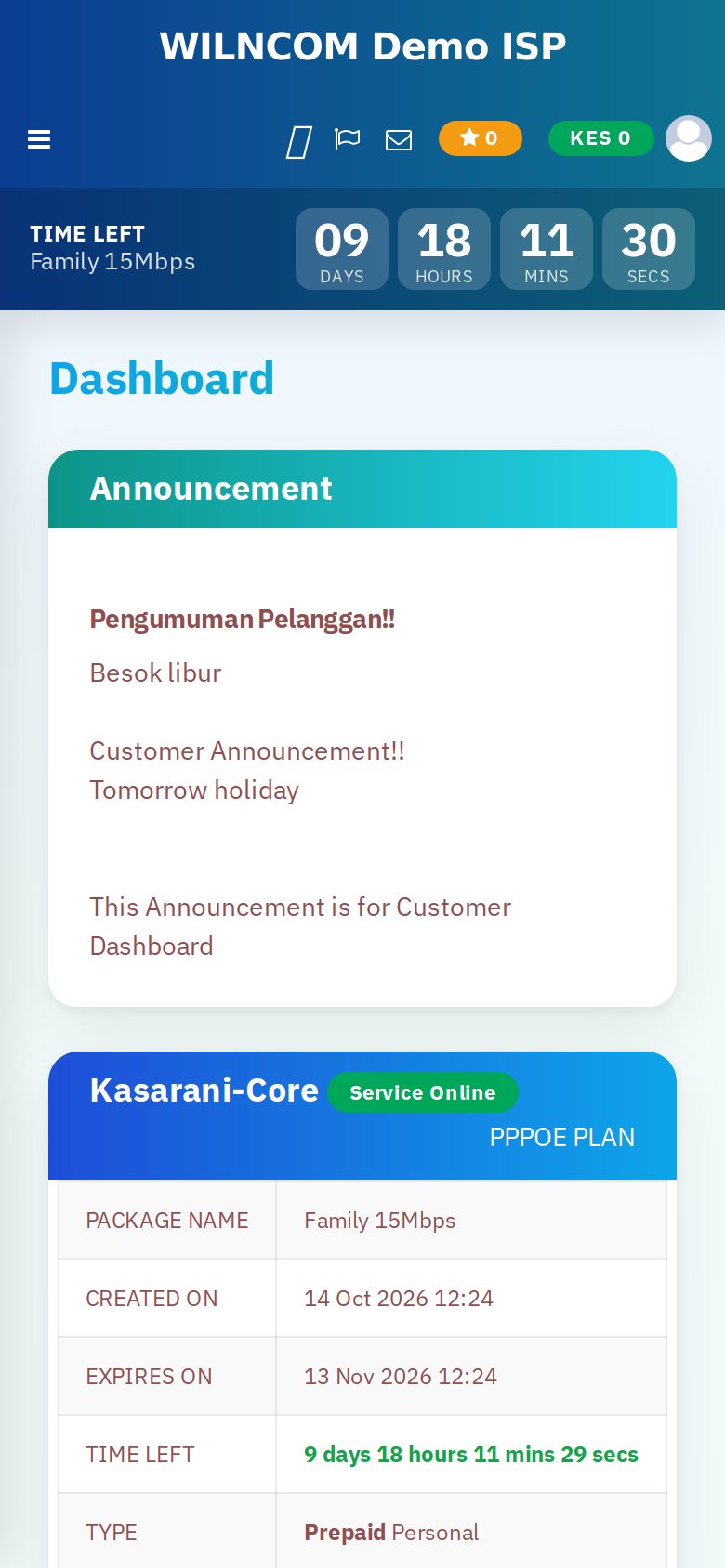
Customer app showing the time left on a paid plan

How M-Pesa billing works with WILNCOM

When a customer buys a plan, WILNCOM sends an M-Pesa prompt to their phone. They enter their PIN, Safaricom confirms the payment, and WILNCOM turns their plan on and records the payment. If you only have a Till or Paybill and no Daraja account, WILNCOM can collect into it for you.

Questions

M-Pesa for ISPs: common questions

Do I need a Daraja account?

No. If you have your own Daraja keys, WILNCOM uses them. If you only have a Till or Paybill, WILNCOM can collect into it for you.

Where does the money go?

Into your own Till or Paybill. WILNCOM does not hold your customers' money.

What if a customer pays but is not connected?

WILNCOM checks payments against plans and shows any payment that did not become a plan, so you can fix it quickly.

Ready to run your ISP the easy way?

Sign up in minutes, or try the live demo first. We answer on WhatsApp.

Demo login: username admin, password admin